Behind the scenes: how a hidden object scene gets made
On the surface, a hidden object game is simple: one picture, one list, a few taps. Underneath, every scene is the result of dozens of small decisions, and the difference between a scene that feels great and one that feels annoying is almost always in those details. Here's how it works on our end, minus the jargon.
Step one: pick a place, not an object
We never start with "let's hide a teapot." We start with a place: a cheese shop, a harbor, a vegetable garden, a teenager's bedroom. We want settings that most people recognize at a glance and that have plenty of nooks where things can hide. We also try to vary the seasons, moods and art styles, so two scenes on the same day don't feel like twins.
Step two: the picture, with a human in charge
Most of our images are made with the help of artificial intelligence tools and then reworked, and we say so openly under each game. Producing an image is the easy part. Choosing one is the work. Plenty of drafts get tossed because the lighting is flat, someone has an extra finger, the room is too empty or the scene is such a jumble that nobody could search it.
Step three: a sheet of objects
For each setting, we prepare a set of objects: a funnel, a teapot, a toy. Each one has to be nameable in a single word and recognizable at small size. We cut anything confusing, like two items that look too much alike or a word most people wouldn't use.
Step four: placing everything by hand
This is the step that matters most. Software can scatter objects randomly, but it has no idea whether something is "findable." By hand, we tuck one object next to a piece of furniture, another in a shadow, a third among things of the same color, so the search feels like a little treasure hunt and not a chore. We also add a few decoys, items that resemble the real targets, for extra spice without being unfair.
What makes us throw a scene out
- an object you can't make out with the naked eye;
- a name that doesn't match what's on screen;
- a tap zone that's off;
- a distracting flaw in the picture, like blur or a strange shape;
- a setting so packed that searching turns into a slog.
If a scene has any of those problems, it gets reworked or dropped.
After it goes live
Each game gets a short introduction with a mood description and a search tip. Then you take over: the "Report a problem" button under every game tells us about an item that can't be found or a tap zone that's off, and we fix it. The site also runs in several languages, with object names translated.
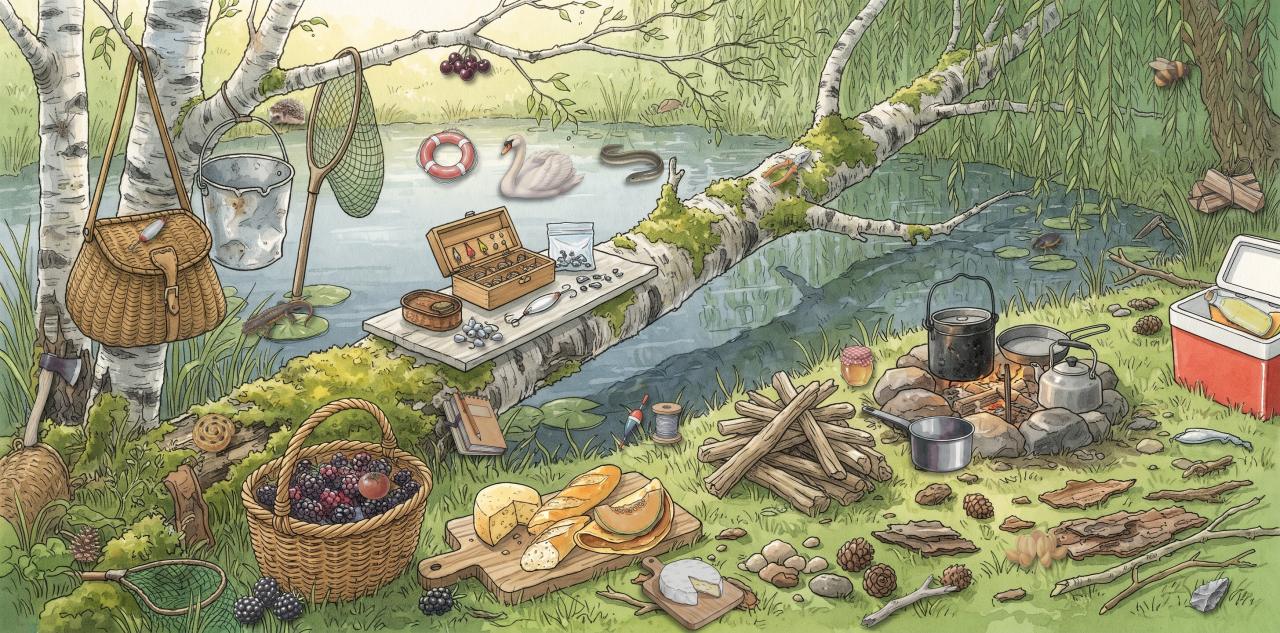
Curious what the finished product looks like? Try the cheese shop with golden wheels or the picnic by the pond, then tell us what you think on the contact page.
Your turn to play
Ready to put it into practice? Start with today's game, or browse the hidden objects, hidden letters, hidden numbers and spot the difference games. New here? How to play takes about a minute.
More guides
- How to find hidden objects faster: 10 tricks that actually work
- Hidden object games with kids: what works at each age
- Hidden object games for grandparents and other relaxed players
- Where hidden object games come from
- Spot the difference: a step-by-step game plan
- Hidden letters and numbers: a field guide
- Brain games? What hidden object scenes really ask of you
- Comfortable screen play: setup, lighting and breaks
- Ten things to do with a hidden object scene
- Our Christmas and winter scenes, from cozy to tricky
- Hidden objects or hidden details: which one suits you?
- How to run a hidden object contest (family, classroom, club)